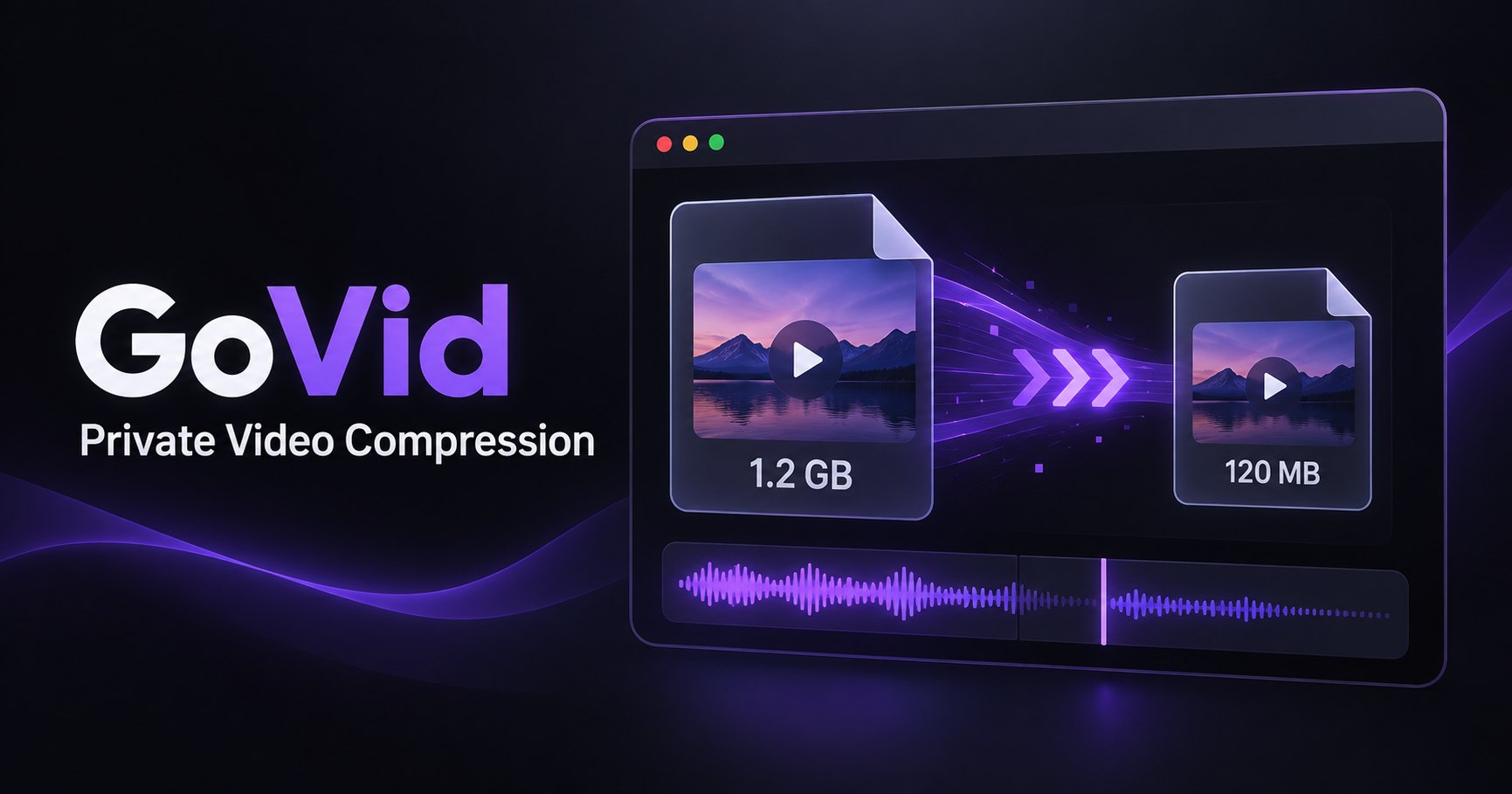
A Private Alternative to Cloud Video Compressors
GoVid is an alternative to upload-based video compressors: it runs FFmpeg WebAssembly inside your browser, so the source video stays on your device. There is no account, server upload, or cloud processing queue.
How is local compression different?
A cloud compressor transfers the source to a remote server, performs the encode there, and returns a result. GoVid loads the encoder into the browser and processes local file data on your own device. That removes upload time and keeps the source out of a third-party processing pipeline.
What are the tradeoffs?
Local processing uses your device’s CPU and memory, so long or high-resolution files can take time and may run better on a desktop. Keep the tab open during the encode. The benefit is that processing can begin without first transferring a large source over the internet.
Which formats can I use?
GoVid accepts MP4, MOV, AVI, MKV, and WebM files up to the limit stated in the tool and creates MP4 or WebM output. Browser and device capabilities can affect very large files, so save other work before processing demanding footage.
When is a private compressor useful?
Local processing is useful for family clips, unreleased work, internal recordings, and any video you would rather not send to another server. It is also convenient on connections where uploading the original would take longer than downloading the browser engine.
Compress a video privately